
How to Find a Minecraft Server IP Address (Java & Bedrock, 2026)
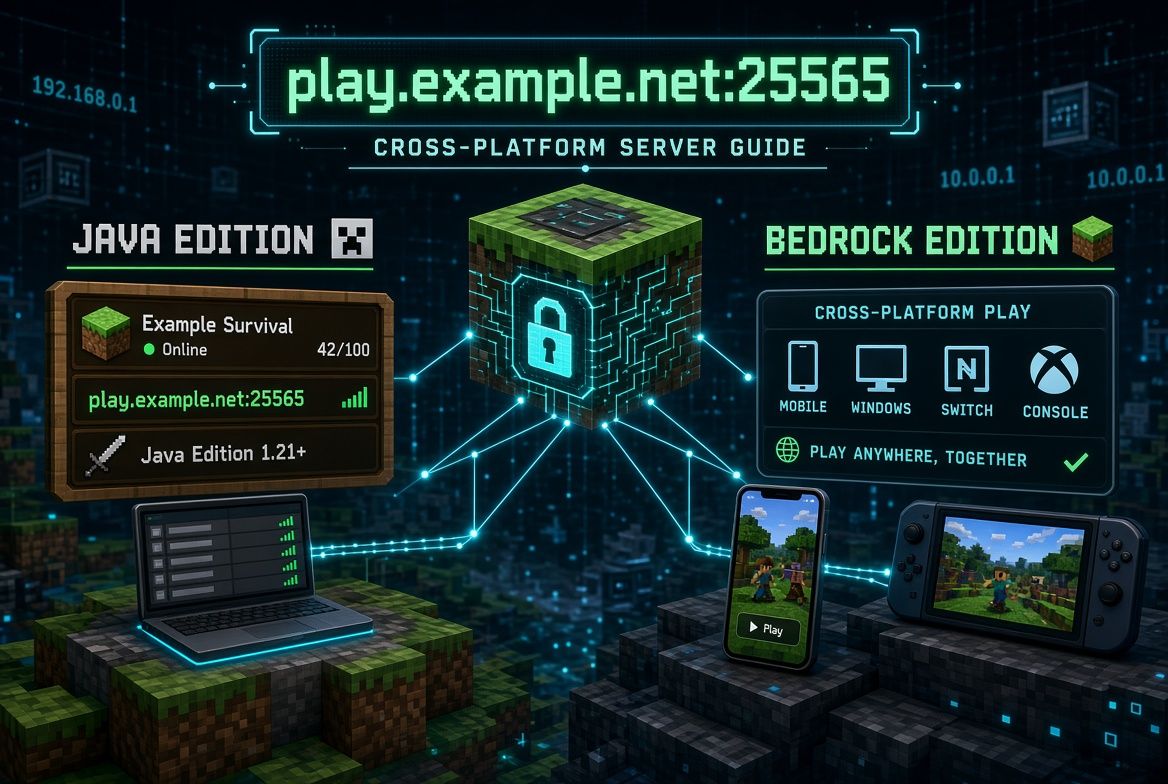
To join any Minecraft server you need one thing: its address, usually called the “server IP”. But where do you actually find it?
It depends on what you’re looking for. The IP of a big public server is easy to find. The IP of a server you played on last year, a friend’s world, or your own server takes a few more steps.
This guide covers every case, for both Java Edition and Bedrock Edition.
What Is a Minecraft Server IP?
A server IP is the address your game uses to connect. It comes in a few forms:
| Form | Example | Notes |
|---|---|---|
| Domain name | play.example.net | The most common for public servers — easy to type |
| Numeric IPv4 address | 203.0.113.42 | Common for small and home servers |
| Address with a port | play.example.net:25570 | Needed when the server doesn’t use the default port |
Most public servers use a domain name. Technically that’s not an IP address, but everyone calls it one, and it works exactly the same in the game.
What about the port?
The port is the number after the colon. Each edition has a default:
- Java Edition:
25565 - Bedrock Edition:
19132
If a server uses the default port, you can leave it out. play.example.net and play.example.net:25565 are the same thing on Java. If the server uses a different port, you must include it — otherwise the connection will time out.
On Bedrock, the address and the port go into two separate fields.
How to Find the IP of a Public Minecraft Server
If you know the server’s name, or you’re looking for a new server to play on, these are the fastest ways.
1. Search a Minecraft server list
Server lists exist for exactly this. On McRank, every server has its own page with:
- The server address and a one-click copy button.
- A separate Bedrock address and port for crossplay servers.
- The supported versions.
- Live status and player count, so you know it’s actually online before you try.
Search by name, or browse by game mode if you’re still choosing. If you’re not sure what “SMP”, “Lifesteal”, or “Anarchy” mean, read Minecraft Server Types Explained.
2. Check the server’s official website
Almost every public server lists its IP prominently on the homepage — often in a “Play now” or “Join” button. Look for text like play.servername.net.
3. Check the server’s Discord
Discord servers almost always post the IP in a channel called #welcome, #info, #server-ip, or similar. It’s also where you’ll hear first if the address changes.
4. Check the video or stream you found it on
YouTubers and streamers usually put the server IP in the video description, a pinned comment, or a chat command such as !ip.
⚠️ Be careful with “IP lists” on random websites and video comments. Names get copied, and fake servers sometimes imitate popular ones. Use the official website, the official Discord, or a server list page that shows the server’s live status.
How to Find the IP of a Server You Played on Before
Forgot the IP of a server you used to play on? If it’s still in your server list, the game remembers it.
Java Edition
- Open Minecraft and click Multiplayer.
- Select the server.
- Click Edit.
- The Server Address field shows the IP. Copy it from there.
If you removed the server from the list, the address is gone from the game. Try searching for the server’s name on a server list instead.
Bedrock Edition
- Click Play and open the Servers tab.
- Scroll down to Additional Servers.
- Select the server and choose Edit.
- The Server Address and Port are shown there.
How to Find the IP of a Friend’s World
A friend’s LAN world
If your friend used Open to LAN and you’re on the same network, you don’t need an IP — the world appears automatically at the bottom of your Multiplayer list.
If it doesn’t show up:
- Ask your friend to read the chat message that appears when they open the world to LAN:
Local game hosted on port 54321(the number changes every time). - Ask them for their local IP (on Windows: open Command Prompt, run
ipconfig, and look for IPv4 Address, e.g.192.168.1.25). - Use Direct Connection with
192.168.1.25:54321.
LAN worlds only work on the same network. To play from different houses, your friend needs a real server or a tunnel service — see How to Make a Minecraft Server.
A friend’s server
Just ask them for it. If they’re hosting at home, they’ll need to give you their public IP (not the 192.168.x.x one) and make sure the port is forwarded.
How to Find the IP of Your Own Minecraft Server
If you’re using a hosting company
Your IP is shown on the hosting control panel’s dashboard, usually at the very top. It often looks like node12.somehost.com:25567 or a numeric IP with a port. Many hosts also let you pick a free subdomain.
If you’re hosting on your own PC
There are two different IPs, and mixing them up is the most common mistake:
| IP type | Who uses it | How to find it |
|---|---|---|
| Local IP | You, and devices on your Wi-Fi | Windows: ipconfig → IPv4 Address. macOS: System Settings → Network |
| Public IP | Friends connecting over the internet | Search “what is my IP” in your browser |
localhost | Only you, on the same PC | Type localhost as the server address |
Friends outside your house must use the public IP, and your router must forward port 25565 (Java) or 19132 (Bedrock) to your PC. If you use a tunnel service like playit.gg, give friends the address it generates instead.
⚠️ Your public IP is your home internet address. Only share it with people you trust. For a public server, use hosting or a tunnel so your home IP stays private.
Give your server a proper address
A raw IP such as 203.0.113.42:25570 is hard to remember and looks untrustworthy. Buy a domain and point play.yourserver.net at your server. With a SRV record, you can even hide a non-standard port, so players only type play.yourserver.net. And if you ever move hosts, you just update the DNS — players keep the same address.
Bedrock and Consoles: Finding and Using Server IPs
Windows, Android, and iOS can add any server: Play → Servers → Add Server, then enter the address and port (usually 19132).
Xbox, PlayStation, and Switch only show the built-in Featured Servers by default and don’t have an “Add Server” button. Players use workarounds such as joining through a friend on a phone or PC, or using apps and custom DNS tricks that redirect a featured server to a custom one. These methods change often, so check the server’s own Discord for current instructions — many crossplay servers maintain step-by-step guides for consoles.
Java IP on Bedrock? A Java server’s address only works on Bedrock if the server runs Geyser. Crossplay servers often publish a separate Bedrock address and port — on McRank, it’s shown next to the Java address on the server page.
How to Check If a Server IP Is Working
You have an IP, but you can’t connect. Before blaming your internet:
- Check the server’s status. On McRank, every server page shows whether it’s online right now and a history of its player count. If it’s offline, the problem isn’t on your side.
- Check the version. “Outdated server” or “Outdated client” means your game version doesn’t match. The supported versions are listed on the server page.
- Check the port. If the server uses a non-default port, the address must include it (
host:porton Java, separate field on Bedrock). - Check the edition. A Java-only address won’t work on Bedrock, and vice versa.
- Check for typos.
play.server.netandplay.server.comare different servers.
“Connection timed out”, “Can’t resolve hostname”, and “Unable to connect to world” almost always come down to one of these five.
FAQ
Is a Minecraft server IP the same as a server address?
Yes. People say “IP” for any server address, whether it’s a numeric IP like 203.0.113.42 or a domain like play.example.net. Both go into the same field.
Do I need to include the port?
Only if the server doesn’t use the default port — 25565 on Java or 19132 on Bedrock. If a port is listed next to the IP, include it.
Can I find a server’s IP from its name alone?
Usually, yes. Search the name on a server list like McRank, or look for the server’s official website or Discord.
Why does the same server have two IPs?
Crossplay servers often have one address for Java and another (or a different port) for Bedrock. Use the one that matches your edition.
Is it safe to share my Minecraft server IP?
Sharing a hosted server’s IP is normal — that’s how players join. Sharing your home IP is riskier, because it’s also your home internet address. Use hosting, a tunnel, or a domain for public servers.
Once you have the IP, joining takes a few seconds — see our step-by-step guide on how to join a Minecraft server. And if you’re still looking for a place to play, browse the McRank server list and find one that’s online right now.